How to Make a Memorial Video Yourself
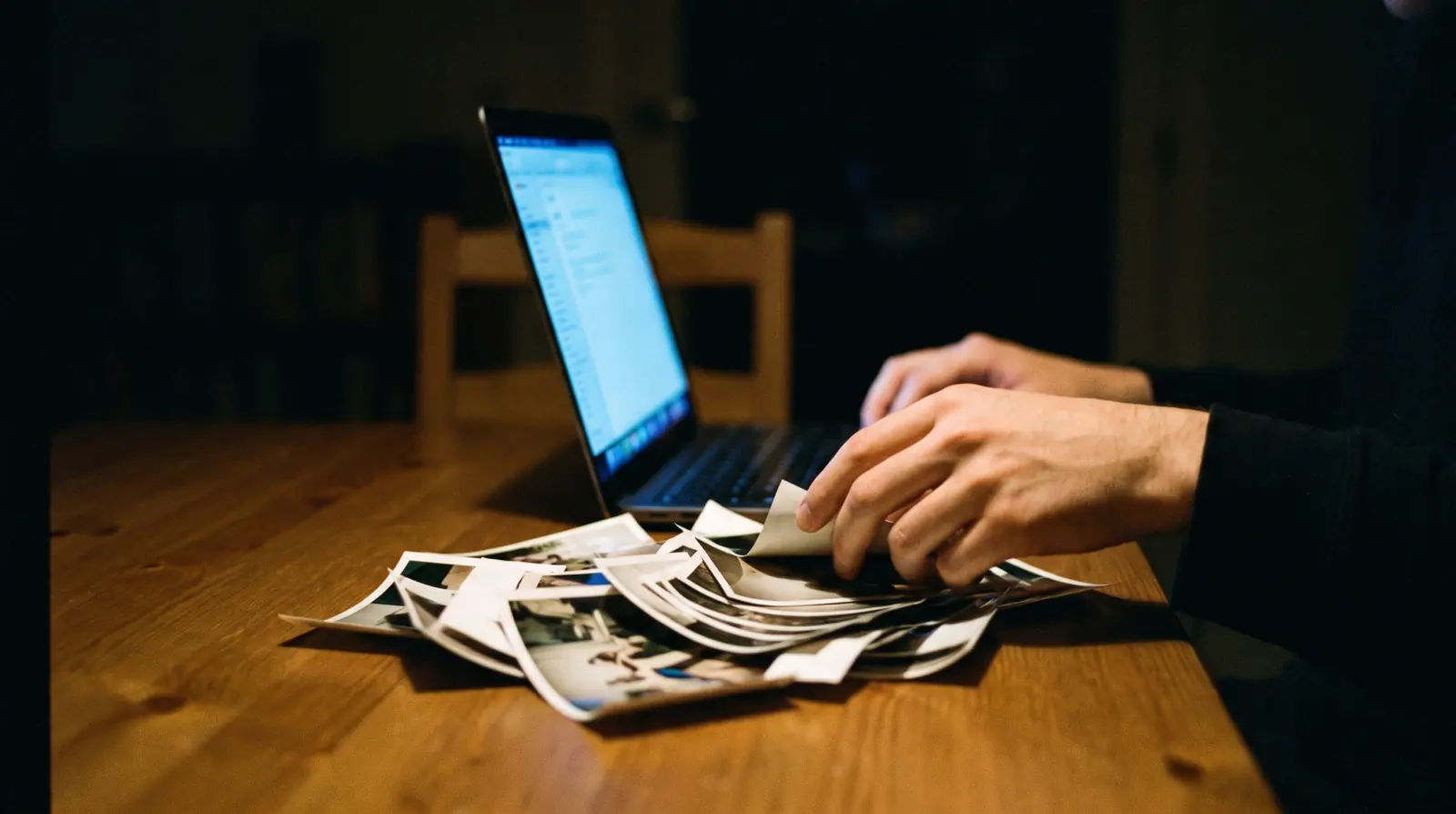
Many families make this themselves, and many should. It costs nothing but hours, and the person assembling it often finds the work is part of grieving. Here is how to do it properly, followed by the honest list of situations where doing it yourself will cost you more than it saves.
Step 1: gather before you edit
One person, one hour, one folder. Ask a single family member to collect everything into one phone album. Done imperfectly today beats done perfectly tomorrow.
- 20 to 40 photographs spanning the decades. Prints can be photographed with a phone, straight on, in daylight near a window.
- Any short clips where they move or speak, even a few seconds.
- Ask two or three relatives to send their five favorites. People hold different eras.
Step 2: choose an order, not a timeline
Chronological is the obvious choice and rarely the best one. A film that opens with a strong late portrait, moves back to childhood, then returns, lands harder than a march through the decades.
Whatever order you pick, keep it to 3 to 5 minutes. Attention at a service is shorter than you expect, and a film that overstays turns a room restless at exactly the wrong moment.
Step 3: the tools that actually work
- CapCut (free, phone or desktop): the fastest path for most families. Import, set each photo to 3–4 seconds, add a slow zoom, done.
- iMovie (free, Mac and iPhone): the Ken Burns effect is on by default, which handles the slow zoom for you.
- Canva (free tier): easiest if you want titles and dates that look designed.
- Google Photos: will assemble a rough version automatically if you are truly out of time.
Step 4: the four mistakes we see most
- Photos held too briefly. Under 3 seconds and nobody can find the face they came to see. 4 seconds feels slow while editing and correct while watching.
- Music too loud or too on the nose. If people cannot hear each other cry, it is too loud. Instrumental beats lyrics almost every time.
- Too many photographs. Forty strong images beat a hundred that include three near-duplicates of the same holiday.
- Checking the venue too late. Ask the funeral home for the file format, aspect ratio, and whether sound is available. Do this before you edit, not after.
When to stop and hand it over
Four situations where doing it yourself will cost more than it saves.
- The photographs are damaged, faded, or all black and white. Restoration and colorization are the one thing free tools genuinely cannot do.
- There are recordings of their voice and you want to use them. Playing a raw voicemail at a service rarely lands the way people hope. Shaping it into something is a different job.
- The service is inside 48 hours and you have not started. Grief plus a deadline plus unfamiliar software is a bad combination at the worst possible week.
- You are the closest person to them. This is the one people ignore. The person who was nearest is often the wrong person to spend six hours in an edit, because every photograph stops them. Ask a cousin, or ask us.
What we would tell a friend
If you have good photographs, a free afternoon, and someone in the family who is steady enough to do it, make it yourself. It will be better than you think and it will mean something to have made it.
If the material is thin or the clock is against you, that is what studios are for. We publish our prices, we reply in one business day, and if the honest answer is that you do not need us, we will say that instead.
If you have started and it is not coming together, or the service is close and the clock is beating you, send us what you have. We reply within one business day and we will tell you honestly whether we can help in the time available.
Start an inquiry