How Many Photos Do You Need for a Memorial Video?
A Gathering Checklist
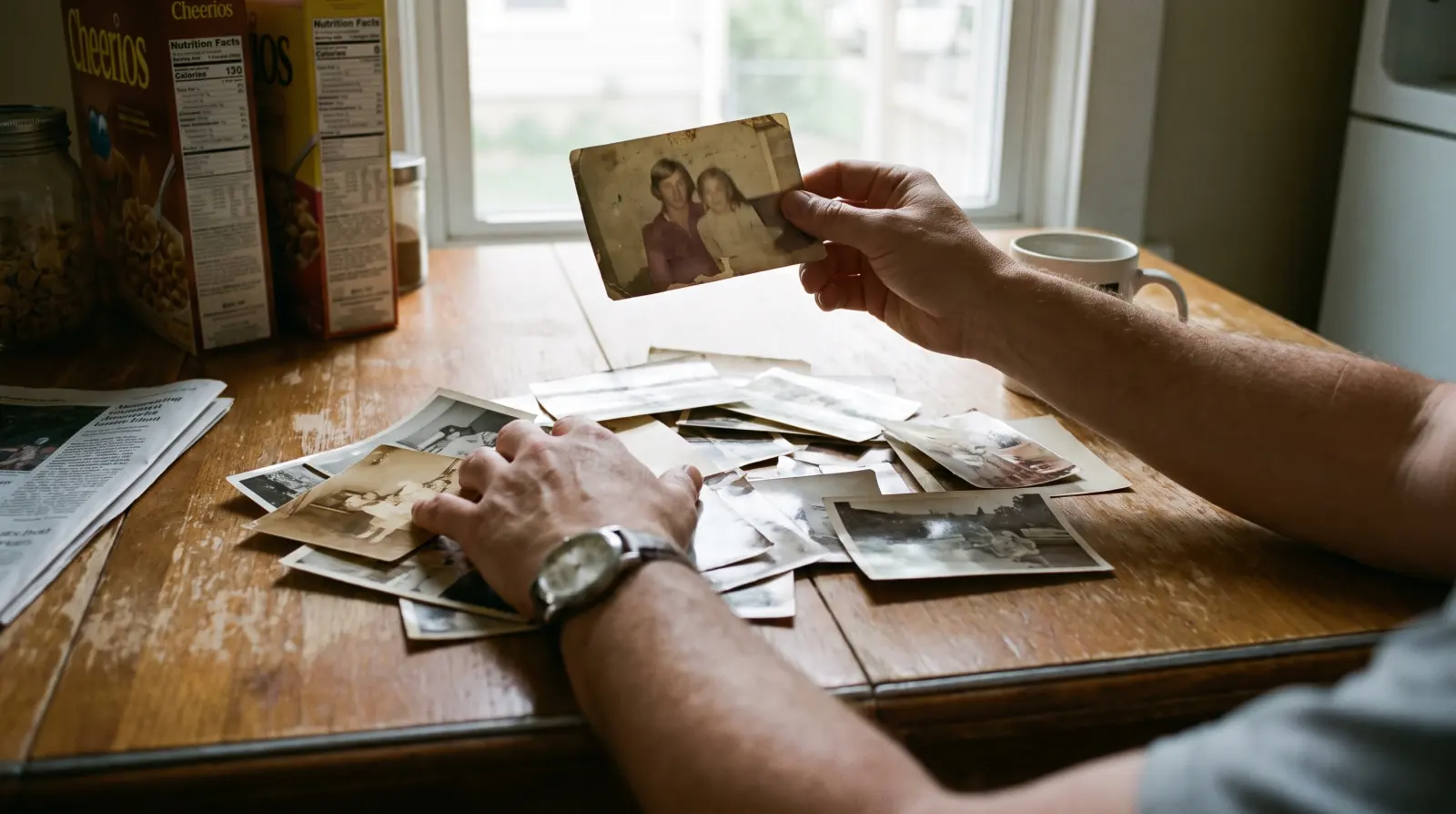
How many photos do you need for a memorial video?
For a 4 to 6 minute memorial film, 20 to 40 photographs is the sweet spot. At a pace that lets a room actually look, each image holds the screen for six to nine seconds. Thirty photos with that much room to breathe is a film. Sixty photos at three seconds each is a slideshow, and somewhere in the middle of it people stop watching. If the service also carries readings, a eulogy, and music, aim at the lower end: 24 well-chosen images hold more than 50 unsorted ones. What matters more than the count is the spread. Ten photographs from one well-documented decade leaves most of a life off screen. Twenty-five that reach from childhood to last year tell the story the room came for. So the working answer is: gather everything you can find, then let the editor cut to 20–40. You are collecting raw material, not making the final selection.
If you are far short of 20 — say you only have eight photographs — that is still workable. A shorter film built around fewer images, held longer, with restoration and gentle animation, reads as deliberate rather than thin. Tell us the real number at the inquiry stage and we will say honestly what length it supports.
Which photos work best for a celebration of life?
Photos that span the decades, and candid ones over posed ones. The most common gathering mistake is submitting thirty pictures from the last five years, because those are the ones already on a phone. A memorial film needs the earlier chapters too: childhood, young adulthood, the wedding or partnership, parenthood, the later years. Within each chapter, a candid frame almost always plays better than a studio portrait — someone mid-laugh, mid-sentence, caught not posing. And include two or three everyday shots: the kitchen, the garden, the armchair by the window, the workbench. Those are the images that make a room go quiet, because that is where the family actually knew them. A blurry photo of him at his own stove can matter more than a sharp one of him at a banquet.
| Chapter | What to look for | Rough target |
|---|---|---|
| Childhood | School photos, family groups, anything with parents or siblings — often in a relative's album, not the house | 3–5 |
| Young adulthood | First job, military or study years, friends, travel — the version of them the grandchildren never met | 3–5 |
| Wedding / partnership | One formal frame plus one candid from the same day, if both exist | 2–4 |
| Parenthood / family years | Holidays, birthdays, the house, the car, the dog. Group shots that show who was around | 6–10 |
| Later years | Recent portraits, grandchildren, the last gathering everyone remembers | 5–8 |
| Everyday | The kitchen, the garden, the armchair, the workshop. Unposed, undated, often unloved | 2–3 |
On format, the practical rules are short:
- Scans of prints are ideal. 600 dpi if the scanner offers it; 300 dpi is fine for anything larger than a wallet photo.
- Phone photos of prints are fine — most of the material we receive arrives this way. Lay the print flat, shoot in daylight near a window, turn the flash off, and keep the phone parallel to the print so the edges stay square. Flash on glossy paper is the single most common reason an image cannot be used.
- Send the original file, not a messaging-app copy. Chat apps compress heavily. Use a shared album or file upload instead of forwarding.
- Do not crop or filter anything. Send the full frame; cropping decisions belong at the edit.
What about damaged, faded, or blurry old photos?
Send them. Modern restoration repairs more than most families expect, and less than the marketing around it suggests. Scratches, creases, tears through a background, water staining, color shift in 1970s prints, faded contrast, and moderate softness are all routinely fixable. What restoration cannot do is invent information that was never captured. If a face is a smear of six pixels, if the head is turned away, if motion blur has erased the eyes and mouth — no tool recovers a likeness from that. Anything that claims otherwise is generating a plausible stranger, and families notice, usually at the worst possible moment. So we assess before we promise. Send the damaged ones with everything else, and we will tell you which are repairable, which are usable as-is at a smaller size, and which are not going to work.
Two practical notes. A damaged photo that is the only image from a whole decade is worth attempting even at low odds — tell us that when you send it, because it changes how much time we spend. And if a print is fragile, torn, or stuck to album glue, photograph it where it is rather than trying to free it. We would rather work from an imperfect capture than have the original destroyed in the gathering.
Should you include video clips and voice recordings?
Yes — and this is the part families most often skip. Five seconds of them moving changes what a film can do. A shaky clip from a birthday dinner, a few frames of them walking to the car, a video that was really meant to record the grandchildren but caught their laugh in the background: any of these can open or close a film in a way no still photograph can. Audio matters just as much. One saved voicemail, one video with them talking off camera, one old recording of a toast is enough to consider a Voice Farewell (from US$649), where their recreated voice reads a goodbye letter as the film's closing words. That path needs roughly 60 seconds of usable speech, and we test before anyone pays.
The boundary matters here as much as the capability. Voice recreation at Voice Legacy runs consent-first: the person's own wishes come before anything else, the family agrees together, and you approve a short preview before payment — if it does not sound like them, there is no charge. What we make is one bounded farewell, not digital immortality: a single film, labeled as containing AI-generated content, with source materials deleted after delivery. The full terms are in our Consent & Ethics policy. As far as we know, few studios in this market publish that boundary in writing, which is exactly why we do.
So when you ask relatives for photos, ask for two more things in the same message: any video, however short or shaky, and any recording with their voice in it — voicemails, video calls, old camcorder tapes, a speech someone filmed from the back of a room.
How do you collect all this from relatives quickly?
One album, one collector, one deadline. The gathering — not the editing — is what makes families miss the service date. The method that works under a four-day timeline is deliberately narrow: create one shared album (Google Photos, iCloud, Dropbox — whichever most of the family already uses), name one person as the collector, and send every relative the same short request. Ask each for "your five favorites, plus anything with their voice in it." Five is a number people can do in ten minutes; "send whatever you have" is a number nobody can do at all. Give a 48-hour deadline and say plainly that the film goes into edit at that point. And tell everyone not to sort, curate, or judge — send the whole roll, including the blurry ones. Sorting is the editor's job, and the frame a relative nearly deleted is often the one that ends up in the film.
- Open one shared album and set it to "anyone with the link can add." Do not collect by email, text, or messaging app — the files arrive compressed and the thread becomes impossible to track.
- Name one collector. One person owns the album, chases the stragglers, and talks to the studio. Two collectors means duplicated work and missed material.
- Send one message to everyone. Something like: "We're making a short film for Dad's service on Saturday. Please add your 5 favorite photos of him — and any videos or voicemails with his voice — to this album by Thursday night. Don't worry about quality or sorting, just send them."
- Ask the older relatives directly, by phone. Childhood and young-adulthood photographs are almost always in a sibling's or cousin's physical album, and those relatives are the least likely to act on a group message. Offer to photograph the album yourself if that is easier.
- Check the obvious places nobody checks: the phone's own camera roll under his name, the last three years of family group chats, old shared albums from holidays and weddings, the desktop folder on the home computer.
- Send it all at the deadline, unsorted, including duplicates. If you find something wonderful two days later, send it anyway — a late addition is usually easier to place than a whole missing decade.
Not sure what you have is enough? Tell us the service date and roughly what you've collected — photos, clips, any recording with their voice. We reply within one business day with an honest feasibility assessment, including what we cannot do. Films are typically delivered within 72 hours of complete materials, and there is no payment until you've seen where it is going.
Start an inquiry